
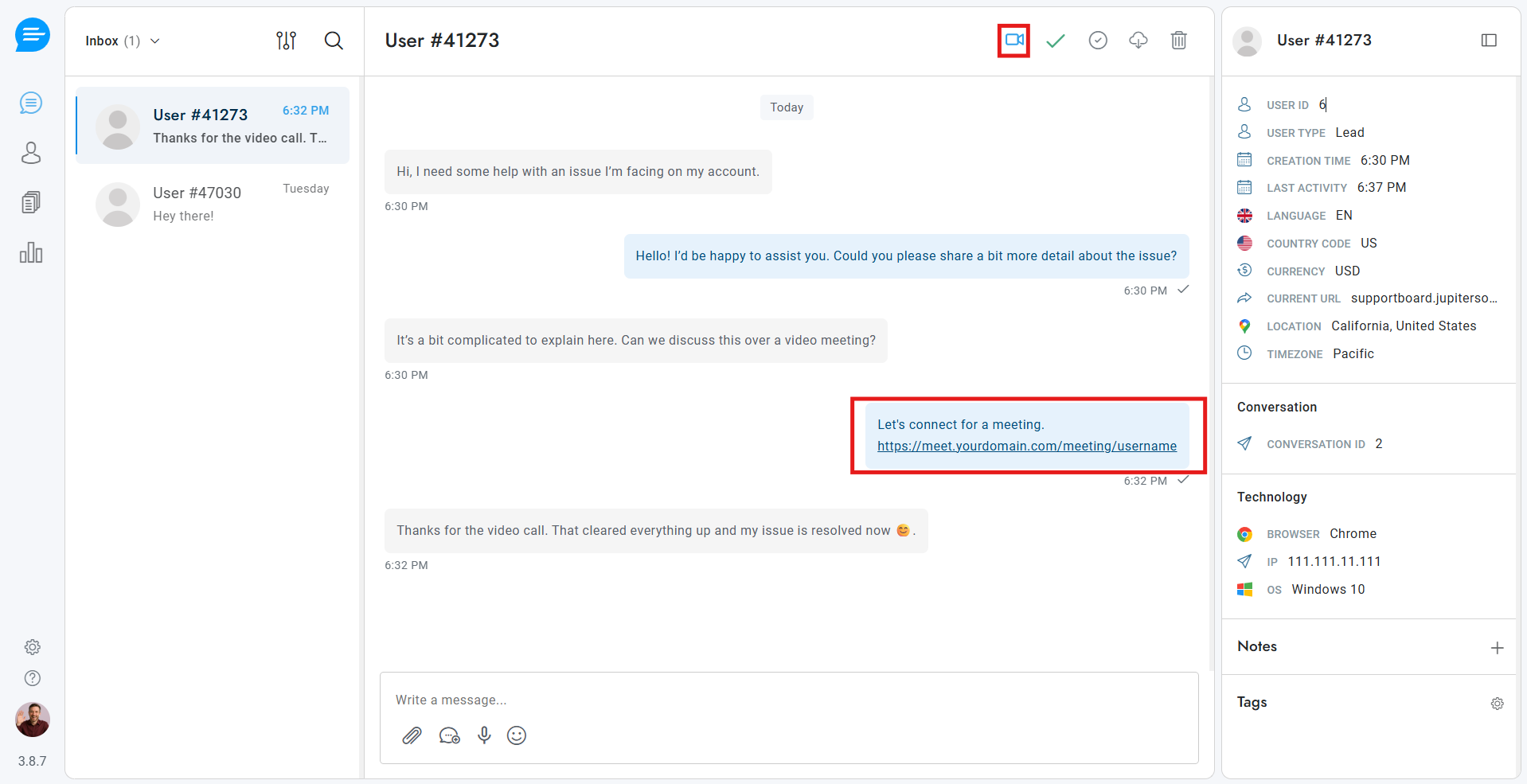
Once the plugin setup is complete and the JupiterMeet plugin status is active, a video meeting icon will appear inside the Support Board admin/agent chat interface.
When an agent or administrator clicks the video meeting icon, the plugin automatically generates a JupiterMeet meeting link for the logged-in agent. This link can then be shared with the client directly within the chat conversation.
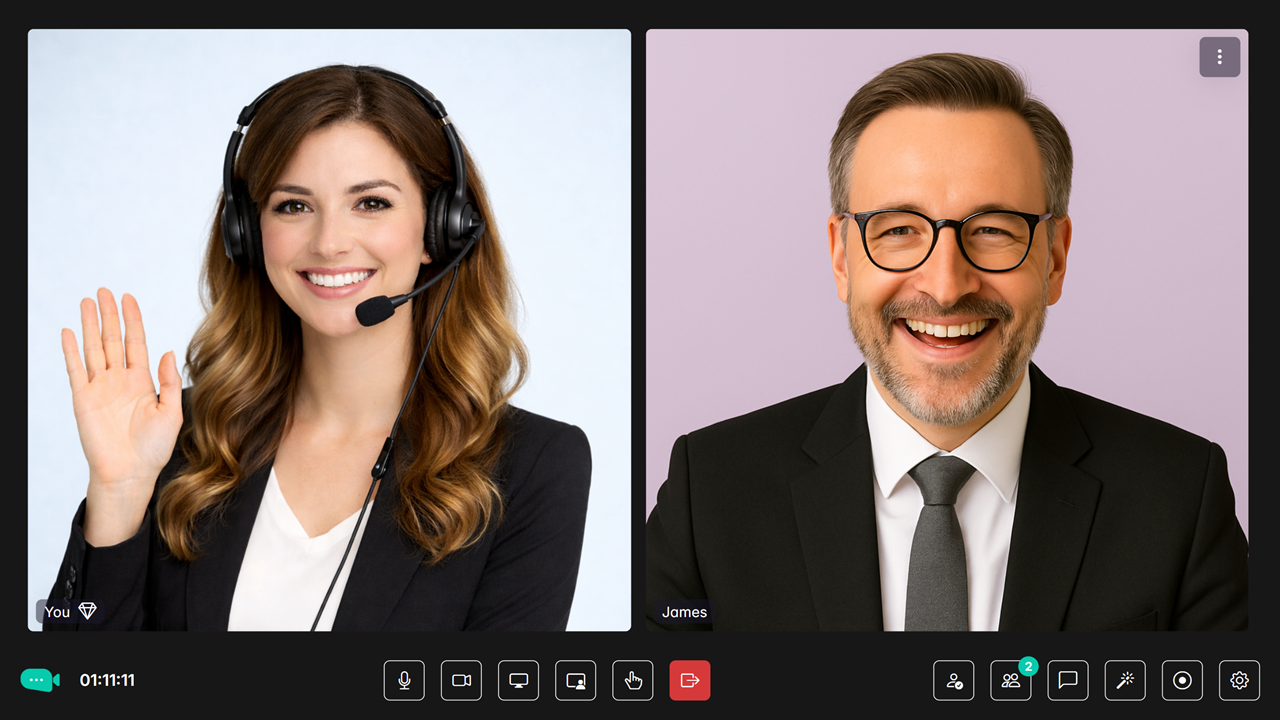
Once both the agent and the visitor join the shared meeting link, they can communicate through a live video meeting powered by JupiterMeet or JupiterMeet Pro.
Each meeting room is uniquely associated with the logged-in agent’s account. This ensures that every agent has their own dedicated meeting room, providing a secure and isolated environment for client interactions. Agents can host and manage an unlimited number of meetings using their assigned meeting room.